Monday, June 4, 2018

The Future Of Living: A Look At Smart Homes

In the past, science fiction films have shown us what a “smart house” would look like. Voice-controlled fixtures, movable furniture, customizable atmosphere, and maybe even a robot dog – these are all the things we’ve thought of when it comes to the home of the future.

Image source: tiny-mesh.com


Today, proponents of smart homes look to be headed in the right direction as more technologies have been developed and installed in homes. A great example of this is the smart thermostat. Homeowners have been using smart thermostats for several years now. What these amazing gadgets do is learn the heating and cooling schedule of your home and adjust the heaters and A/C units accordingly. 

Smart devices for laptops and home entertainment systems have also been developed. Homeowners will soon be able to control the volume as well as other settings of their television sets, radios, computers, and other devices via voice command. 

Today, lamps turn on when a user says “Lights” upon entering their home. Some homes take it a step further and use computer networks to connect electronic devices at home, so when a person enters the house and says “I’m home,” everything from the lights to the radio to the fireplace activates.

Image source: z-wavealliance.org

Hello! I am Gina Benderson, and I work in the IT field, more specifically in improving existing systems, inventing new ones, and resolving issues that arise from them. I love sharing the latest developments in technology, which we can discuss more on Twitter.

Wednesday, May 23, 2018

Wireless charging using laser: Is it possible?

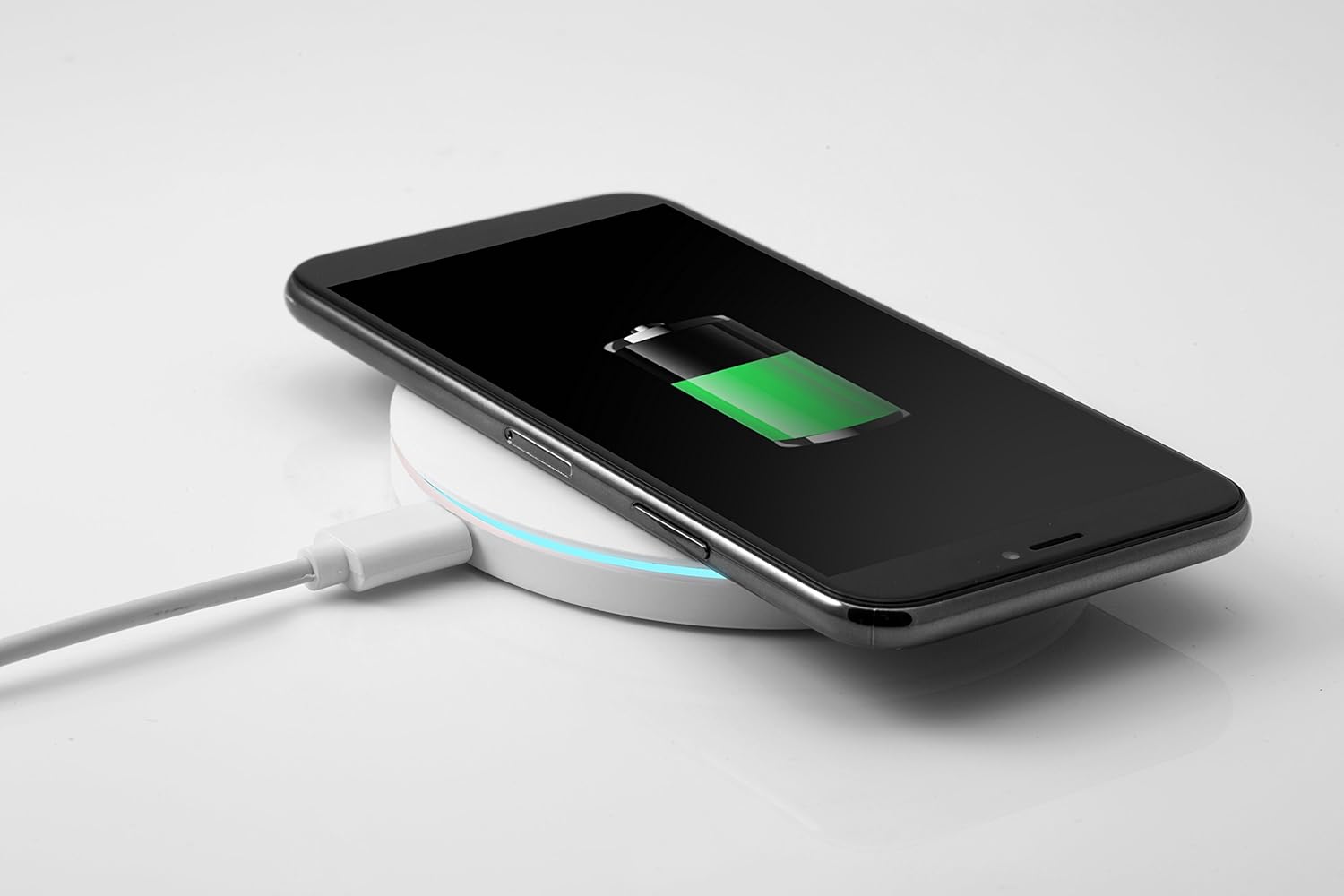
Around a decade ago, the first smartphone wireless charging technology was developed by a Finnish startup, with the intent of introducing it in the market eventually. A few years after, the vision came to fruition as wireless charging became widely available for consumers. 

Image source: amazon.com

An industry standards war, though, had held back the potential of the technology because the presence of two standard versions of wireless charging created a hurdle in the compatibility between chargers and smartphones.  

During the start of the year, there were two breakthroughs in the industry. First is that the debate over which standard to follow ended when all wireless charger makers agreed to be a part of the Wireless Power Consortium. The second is that the development of a “true” wireless charging technology has been reported. 

The wireless chargers in the market today still involve a wire as a charging pad, on which the smartphone is placed, has to be plugged into an electric outlet. While no wire is directly attached to the device, the phone still cannot be charged anywhere in the room other than atop the charging pad.

But engineers at the University of Washington are working on a true wireless charger using laser technology. It involves firing an invisible beam (the study used red visible beams for demonstration purposes) from a laser emitter that targets a thin power cell mounted at the backside of a smartphone.

The results of the experiment showed that the laser technology was as efficient as charging the phone as using a standard wired charger. Fail-safe mechanisms were also integrated through a heatsink that dispels excess heat due to the laser and guard beams that turn off the charging beams if a person moves into the path of the laser. 

Laser wireless charging may be months, or even years, away from commercialization, but the future is bright for the technology. 

Image source: digitaltrends.com

IT researcher and scientist Gina Benderson here. Let’s discuss more about the latest in technology by c0nnecting with me on Twitter.

Friday, May 18, 2018

Here’s How Apple Will Resolve Iphone X’s Face Id Issues

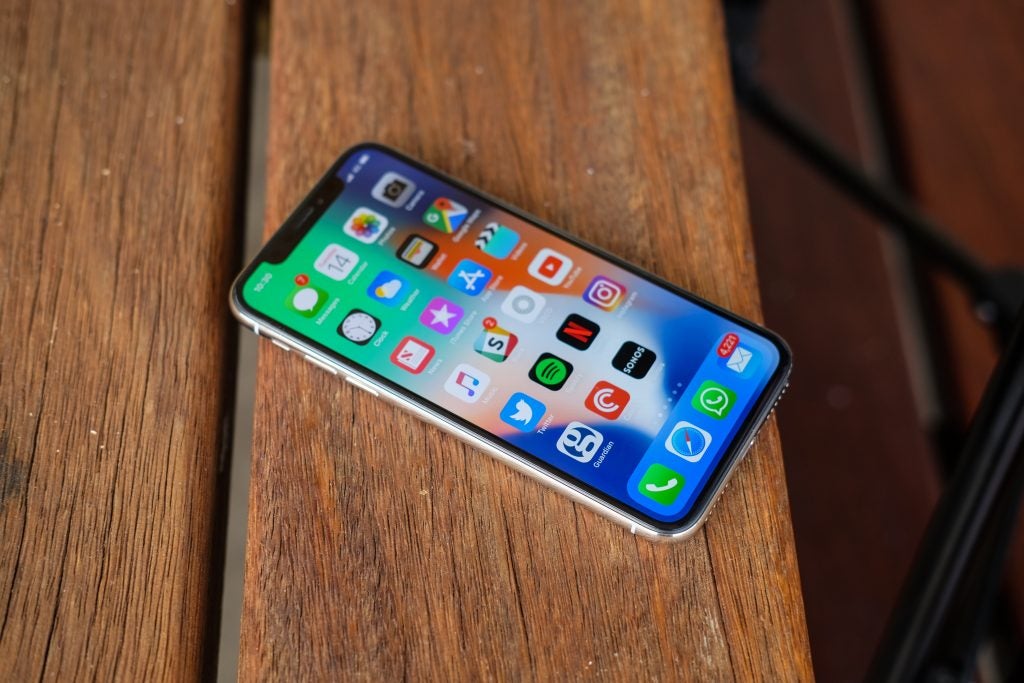
Big news for Apple iPhone fans. The tech giant just announced that it will repair or replace malfunctioning iPhone X units with Face ID issues.

Image source: trustedreviews.com

When Apple’s iPhone X first rolled out, many tech fans were amazed at how the brand managed to get Face ID on its flagship phones. Apple’s Face ID is the iPhone X’s selling point. It is a 3D face scanner that analyzes the owner’s face to verify their identity. It is used to unlock phones, make online purchases, and more. When it malfunctions though, it can be really expensive to fix.

For those who own a malfunctioning iPhone X, they can bring their devices to Apple stores or authorized resellers to have their phones repaired or even replaced. MacRumors recently received a memo sent by Apple to its stores and resellers informing them about the bug in iPhone X units. Support staff members are advised to try to fix the rare cameras if users complain of Face ID problems. If the rare camera is working, Apple can authorize repair or replacement of the unit.

Image source: brandysnario.com

This is not the first time Apple has informed stores and resellers about replacing or repairing the iPhone X. There is still no information on when the resolution will take effect. What do you think about Apple’s latest announcement?

Gina Benderson here. Let’s talk about the latest in tech when you visit this blog.

Thursday, April 12, 2018

Mobile Security Threats To Be Wary Of

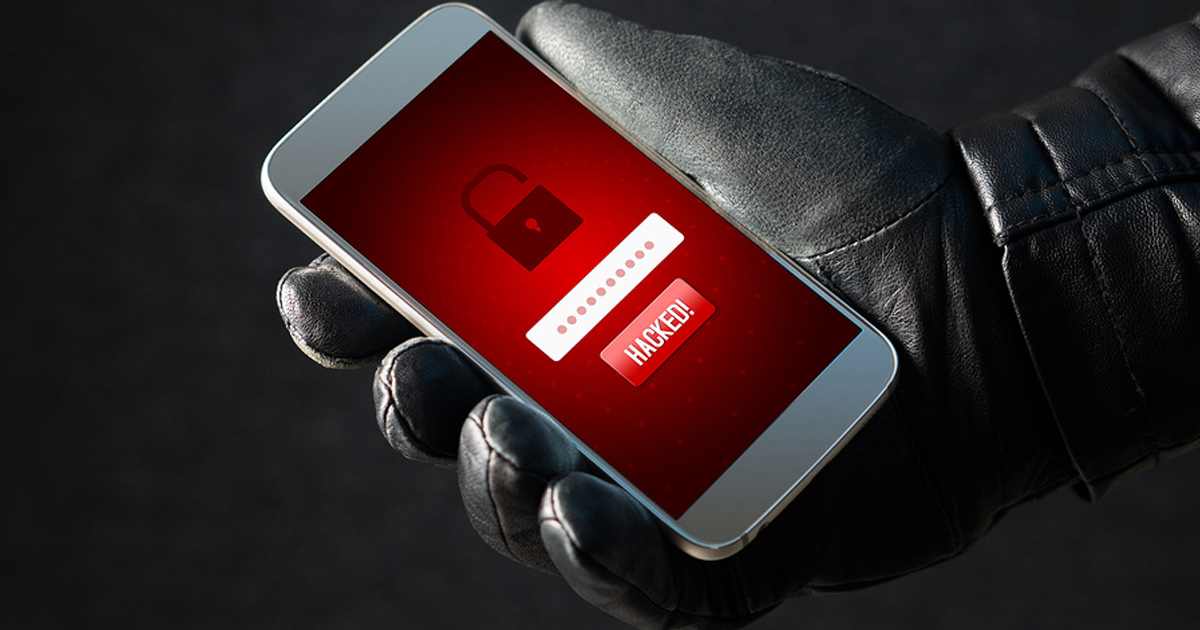
Everyone is on their mobile devices nowadays, needing them for personal and professional use. Unfortunately, cybercriminals have also targeted cellphones and tablets more often, especially since users are unaware that there are many mobile security threats. Some examples are the following:

                                Image source: techgenix.com


Malicious apps

One of the most common ways to breach a mobile device is through malicious apps. Ever since the first smartphones were released, thousands of apps have been developed, each serving various purposes. There are apps, though, that perform tasks that they are not supposed to do. Some malware infect devices to generate a huge number of fraudulent clicks on ads; some steal sensitive information and use them for nefarious means, and some are used to hijack a mobile device.

Ransomware

In the past, ransomware were used by cybercriminals to block a computer and demand payment from its owners before they return them the access. It has since become used to attack mobile devices, particularly those that are used in businesses or companies.

                             Image source: calyptix.com

Public Wi-Fi

Public Wi-Fi has made it convenient for mobile users to check their email or social media account, surf the internet, or work remotely. It also makes users vulnerable to threats because hackers have created ways to access devices that are connected to a wireless network.

Hi there, my name is Gina Benderson, and I’m an IT researcher and scientist. To read more articles about technology, subscribe to my blog.

Tuesday, January 30, 2018

The top ambidextrous mice to choose from in 2018

Companies producing PC peripherals have always been mindful of coming out with mice that cater to southpaws, although probably not as much as many left-handers would want. Still, there are good choices in the market now. Let’s look at the best options. 

Image source: youtube.com

Razer Taipan: The Taipan comes with a dual-sensor system that allows it to simultaneously work as an optical and laser sensor. It has great Razer driver support via the Synapse software, too, but you probably won’t even need it. It’s not too heavy as well, as comes with two sets of side buttons for either hand. 

Zowie FK1: A favorite among many gamers, the FK1 is a gaming mouse that uses an Avago 3310 optical sensor, which is regarded as one of the best in the world. It’s convenient for most grips and has no built-in acceleration and no angle snapping. The great thing about this mouse is that it’s practically jitter-less when set at 125 and 500Hz polling rate. 

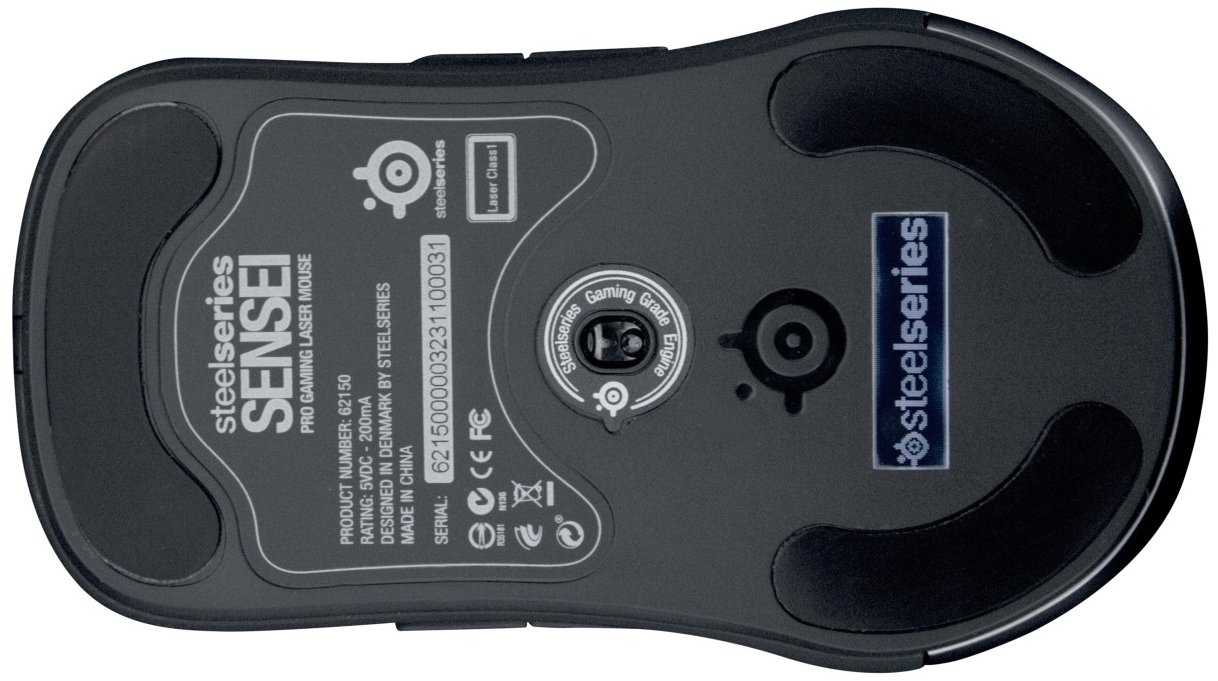
SteelSeries Sensei: Rather expensive when compared to its competitors, the SteelSeries Sensei features seven programmable buttons, customizable LEDs, and an LCD screen on the bottom that you can customize with your own picture to prevent theft. This mouse also has a max CPI setting of 5700. 

SteelSeries Sensei Raw: This unassuming “raw” version of the Sensei eliminates all the eye-candy adornments of its big brother and is simply just solid for everyday use, whether you’re into gaming or using it for work. One can switch DPI settings on the fly, too, by simply clicking the button behind the scroll wheel. The Sensei Raw is one of the lightest mice in the market at 90 grams. 

Image source: amazon.com

Gina Benderson here. I’m an IT researcher and scientist overseeing multiple projects that can change the way humans work. My job involves improving, inventing, and evaluating new systems. For more IT reads and tips, check out this blog.

Saturday, December 30, 2017

The Xiaomi Mi A1: 2017’s best mid-range Android phone

2017 saw the release of the Google Pixel 2, Samsung Galaxy S8, and, on the Apple side, the iPhone X. While these phones are flagships monsters with a plethora of features, the caveat is that they are very expensive and will immediately turn away regular buyers. But one model from this year has stood out for having most of the features of the mentioned phones while being easy on the budget. That’s the Xiaomi Mi Ai. 

Image source: androidheadlines.com

To be sure, the Chinese company has been making great, competitively priced smartphones in the past few years, and the Mi Ai is a crowning glory of sorts. For one, like the Pixel line, it’s an Android One phone. This means that it’s officially powered by Google. 

There are great benefits to having that Android One stamp, as it means updates on the latest Android versions come to the phone first. Also, it’s devoid of tons of manufacturer bloatware. It’s simply a solid, hassle-free interface. 

The Mi A1 has garnered high reviews and editors’ choice awards among many Android- expert websites. Aside from the stock Android experience, it comes in a slim 7.3mm body with a 5.5-inch LTPS IPS Full HD display and 2.5D curved glass at the top. It is driven by the trusted octa-core Qualcomm Snapdragon 625 processor, 4GB of RAM, and a base internal storage of 64GB (which can be improved on by adding 128GB via a microSD card slot). 

The Mi Ai features dual rear cameras, a unique feature for its mid-range pricing. This is particularly enticing because these are both 12MP cameras, with one using wide-angle and the other a telephoto lens. These cameras allow for solid zoom and portrait shots in various lighting conditions. 

Finally, the Xiaomi Mi Ai comes with Android 7.1 Nougat, which should seamlessly update to the Oreo before the year ends. 

Image source: techadvisor.co.uk

Hello, Gina Benderson here, IT researcher, tech expert, and scientist. I love sharing the latest news on technology and other innovative projects. Follow me on Twitterfor more tech updates.

Thursday, November 30, 2017

What do viruses, Trojans, and other malware actually do?

Computer virus. Spyware. Trojan. You’ve heard it all from somewhere but don’t actually know what they are. You just know you don’t want them on your computer. Read on to know what each of them is: 

Image source : 4cornerit.com

What is malware? 

The word malware is short for “malicious software.” It’s a general term used to describe programs such as a virus, worms, Trojans, that are designed to wreak havoc on your system or get private information like your credit card information. 

Virus 

Computer viruses wreak havoc on your files. Like a biological virus, a computer virus infects a file and copies itself, spreading from one file to another, and then infecting one PC to another when the files are copied or shared. 

Spyware 

Spywares steal your information such as bank details, passwords, and any other information the creator wants to extract from your computer. 

Trojan horse 

Trojan horses are programs that may seem normal but secretly have malicious code that does something else. Trojans are used to create backdoors that allow your PC to be remotely controlled. The main difference between a Trojan horse and virus is that Trojan horses can’t replicate themselves, they must be installed by an unwitting user. 

Image source : hwstatic.com

My name’s Gina Benderson. I’m an IT researcher and scientist. My job involves improving, inventing, and evaluating new systems. Visit my page for more things IT.